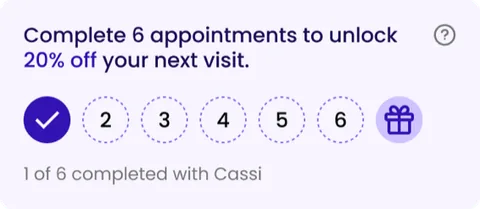
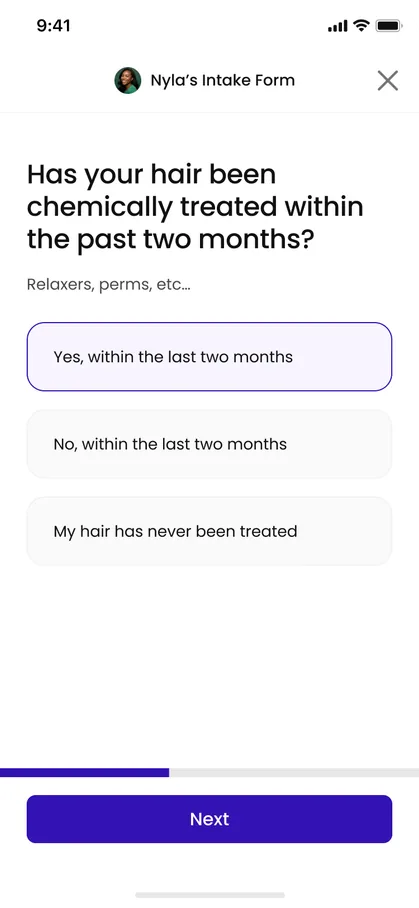
Decreasing the time to rebook via the appointments tab

A large portion of StyleSeat's bookings, and a meaningful share of its revenue, are rebookings. I rebuilt the appointments tab through small tests until rebookings increased from 10% to 60%.

78%
Rebookings booked from home page
+3%
Rebookings
21s
Faster to rebook, on average
−62%
Searches for stylist names
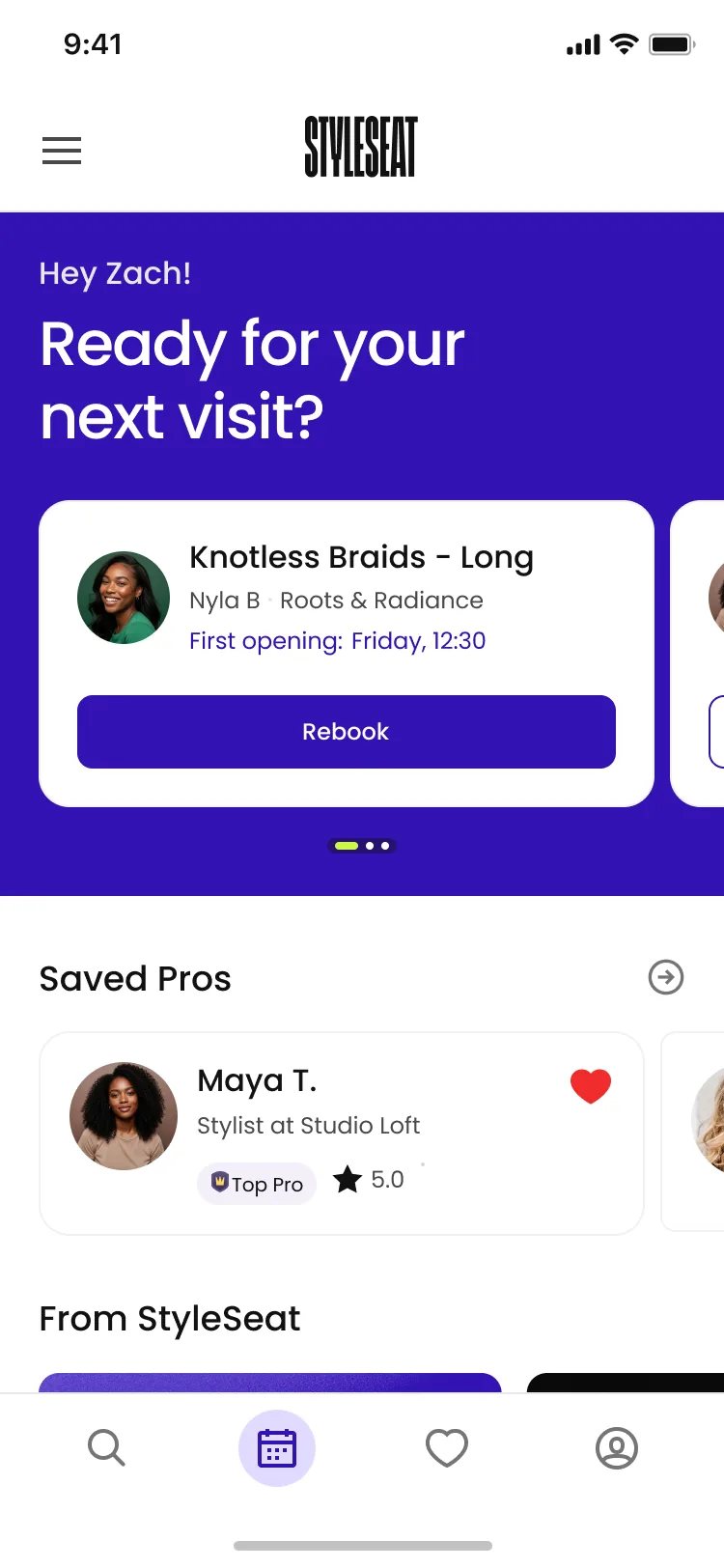
Appointments tab with no upcoming appointment: a “Ready for your next visit?” header over a Book it again carousel, with Saved Pros and From StyleSeat below.
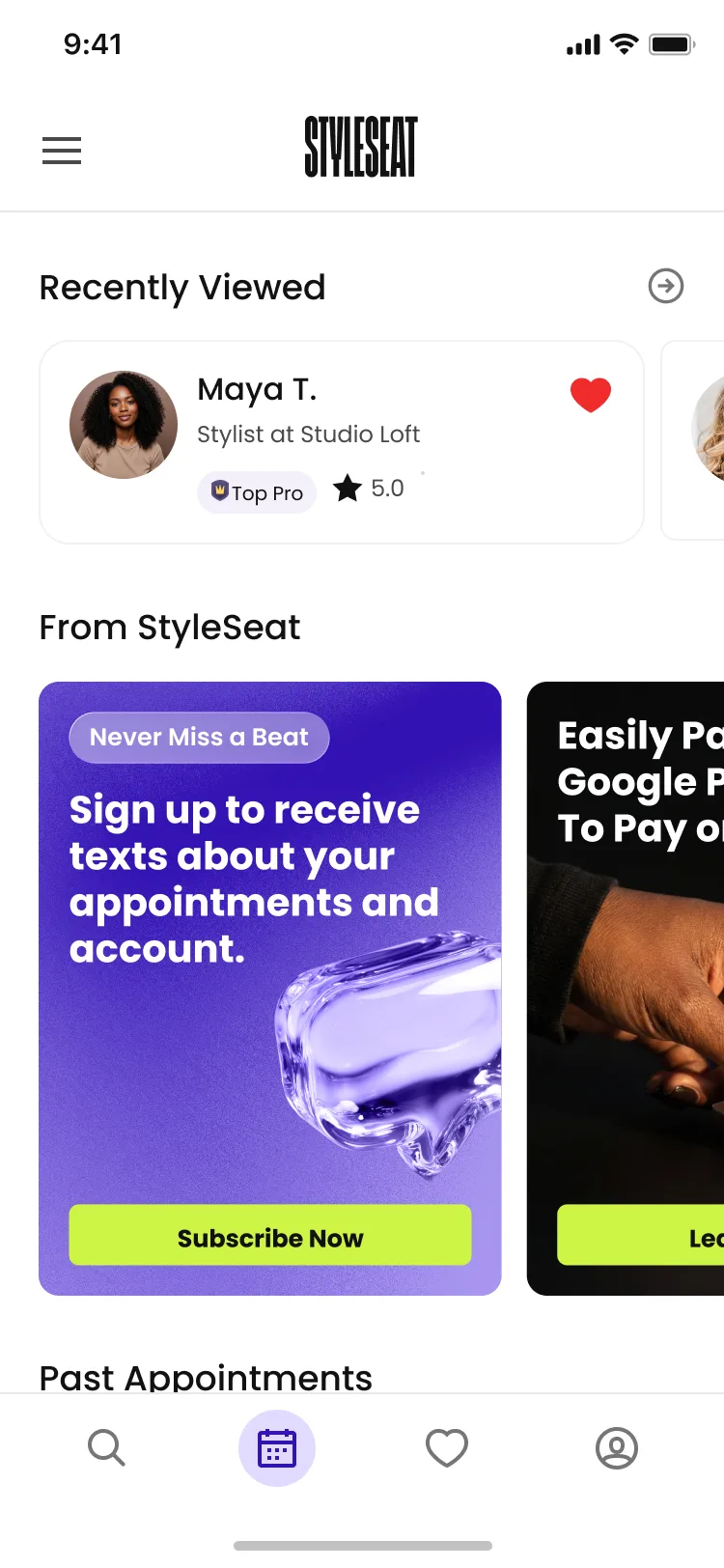
Appointments tab with an upcoming appointment: the appointment card leads with Profile, Contact, Reschedule, and Payment actions, followed by Book it again.
Goal · OKR
Lift total & new client bookings
My role
Product Designer · UX Researcher
Team
PM · Data Analyst · 5 Engineers
Time frame
5 weeks (2 to research and design, 3 build and release)
Background

Clients were rebooking through stylist profiles, not the appointments tab

To rebook, clients typically looked up their stylist’s name on the search page, and went to the stylist’s profile. Only about a tenth of rebookings started on the appointments page itself, which was just a static record of upcoming and past appointments.

This experience forced clients to use stylist profiles for rebooking, not evaluation and discovery, adding friction and unnecessary steps.

Old appointments screen
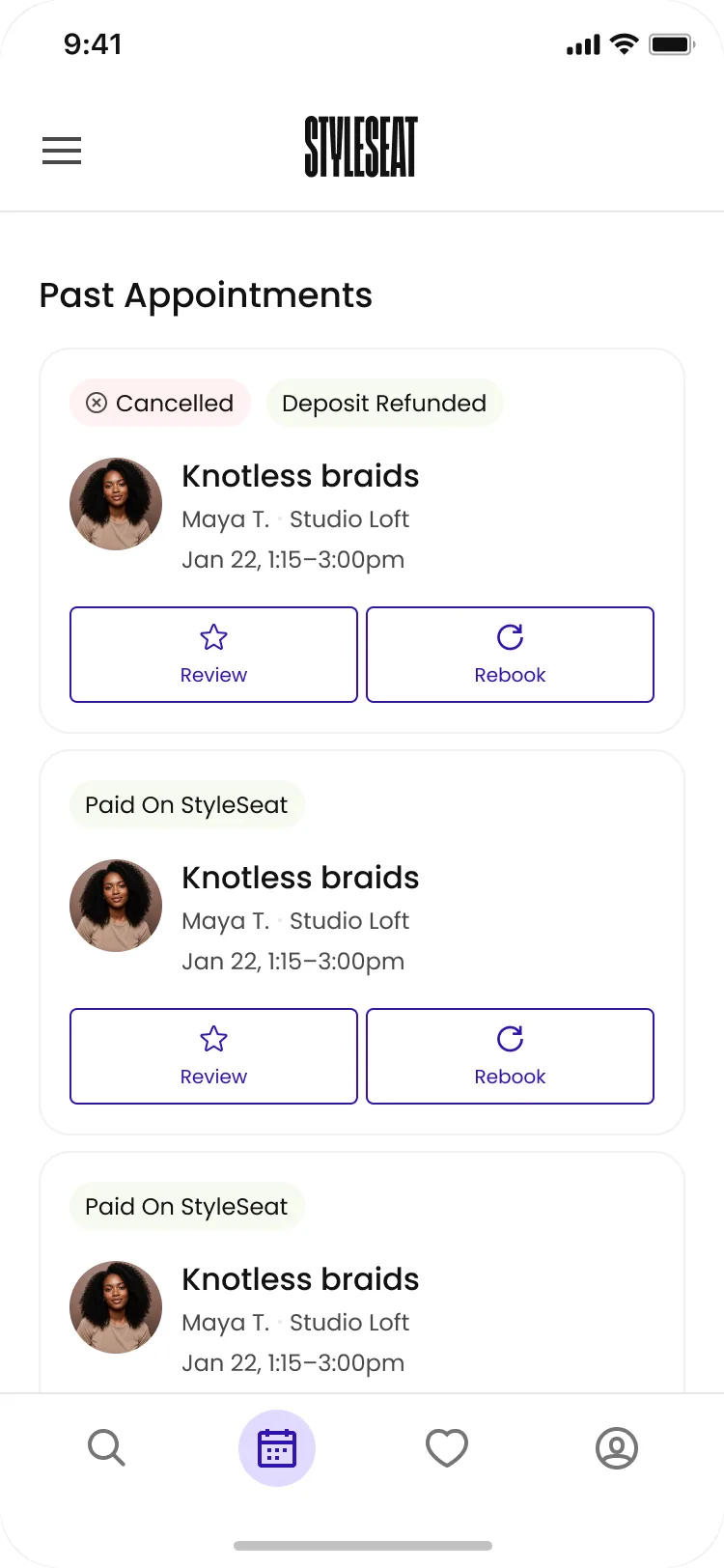
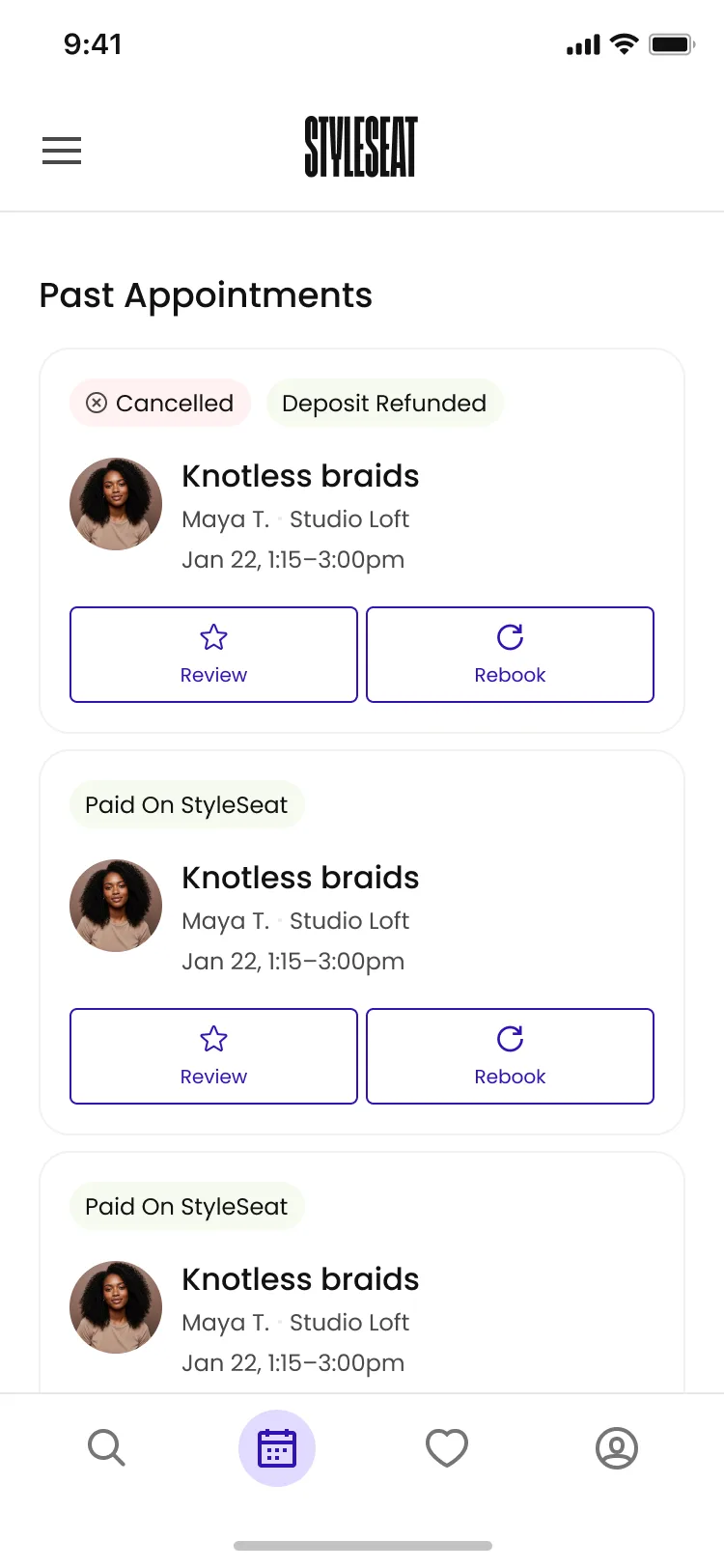
The previous appointments tab: a flat Past Appointments list of finished bookings, each card carrying Review and Rebook.
Solution

Surfacing the right content at the right time to clients

Rather than a fixed layout, highlighted content changes with the client. If there’s an upcoming appointment, it’s shown up top, along with the actions clients are most likely to take. If there’s not an upcoming appointment, the rebooking feature takes the top slot. Now, the app opens with the next action they’re most likely to take next.

Slide 1 of 4: Upcoming appointments are always the highest priority
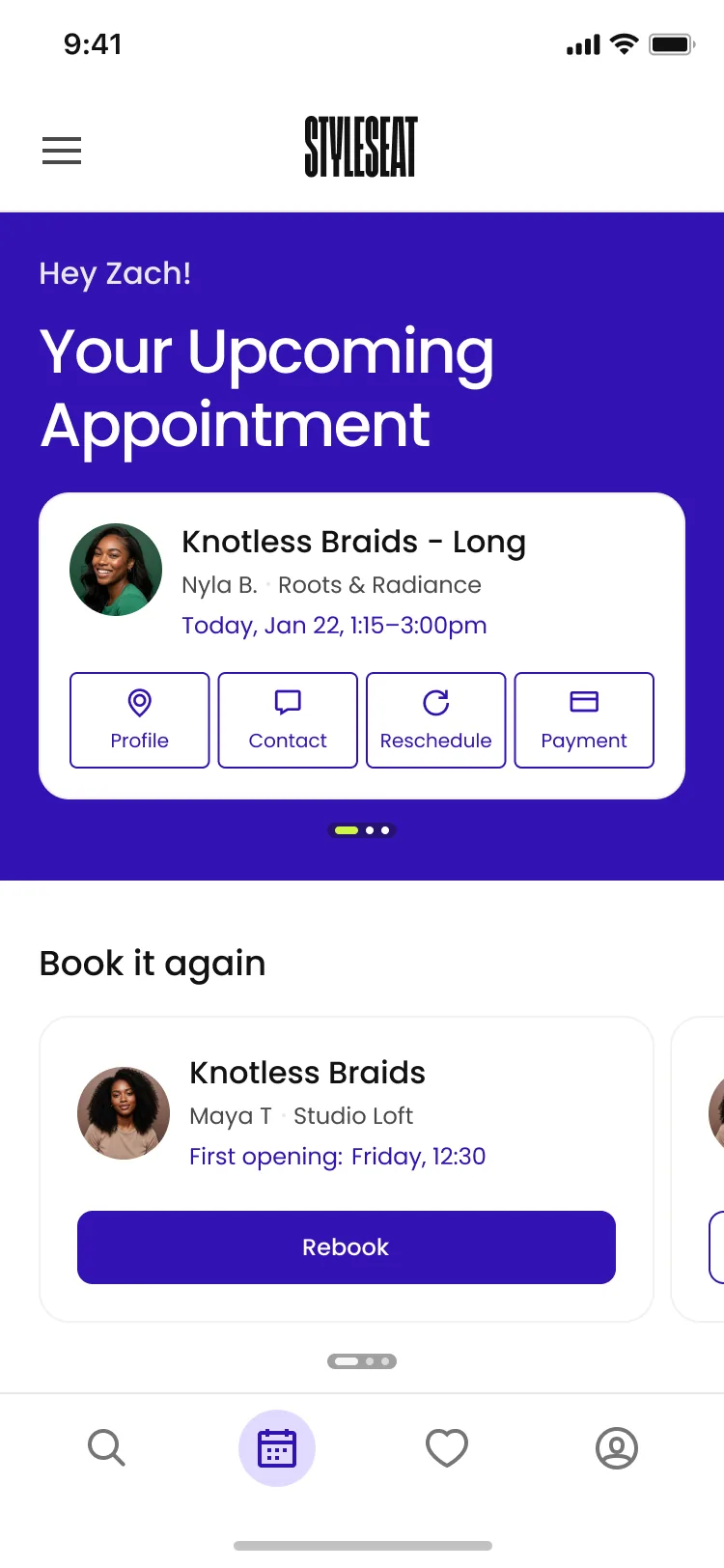
1 of 4

Upcoming appointments are always the highest priority
They’re placed at the top of the appointments tab and now include the most clicked elements users took on the appointment details, removing the need to dig into the appointment details to complete your task.

Upcoming appointments at the top of the redesigned tab
The tab leading with rebooking when nothing is upcoming
Recently viewed and saved stylists on the appointments tab
Past appointments with their status, review, and rebook actions
Impact

Results

78%
Rebookings booked from the home page
+3%
Overall rebookings
−70%
Appointment details views, once the actions moved onto the card
60%
Of rebookings happen through the tab — up from ~10% on the static page
21s
Faster to rebook, on average

Keep reading

  • Case studyPassword protected

    Optimizing stylist profiles to increase new client booking rates

    View project
  • Case study

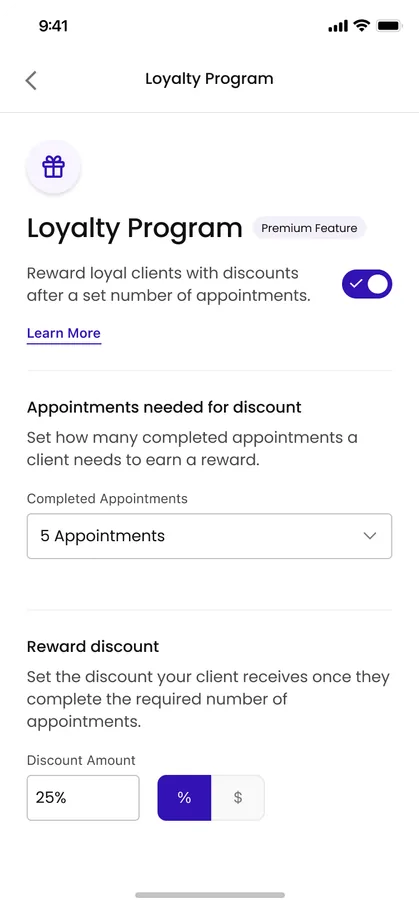
    Increasing rebooking rates with client loyalty programs

    View project
  • Case studyPassword protected

    Increasing appointment completion rates with intake forms

    View project
  • Process

    Pioneering design to development with AI

    Read more